Build the drum from parts
Start with a deep low-end foundation, add body, dial in the attack, blend texture, or bring in your own sample to make a custom kick drum.
Design 808 kicks, sub kicks, tech kicks, hard kicks, and custom kick drum samples in your browser with layered sound design, visual shaping, mix metering, presets, and WAV export.
What it does
Use this online kick generator when a sample pack is close but not quite right, when the kick needs a different note, when the attack is too soft, or when you want to build a clean one-shot for a sampler before opening a full session.
Start with a deep low-end foundation, add body, dial in the attack, blend texture, or bring in your own sample to make a custom kick drum.
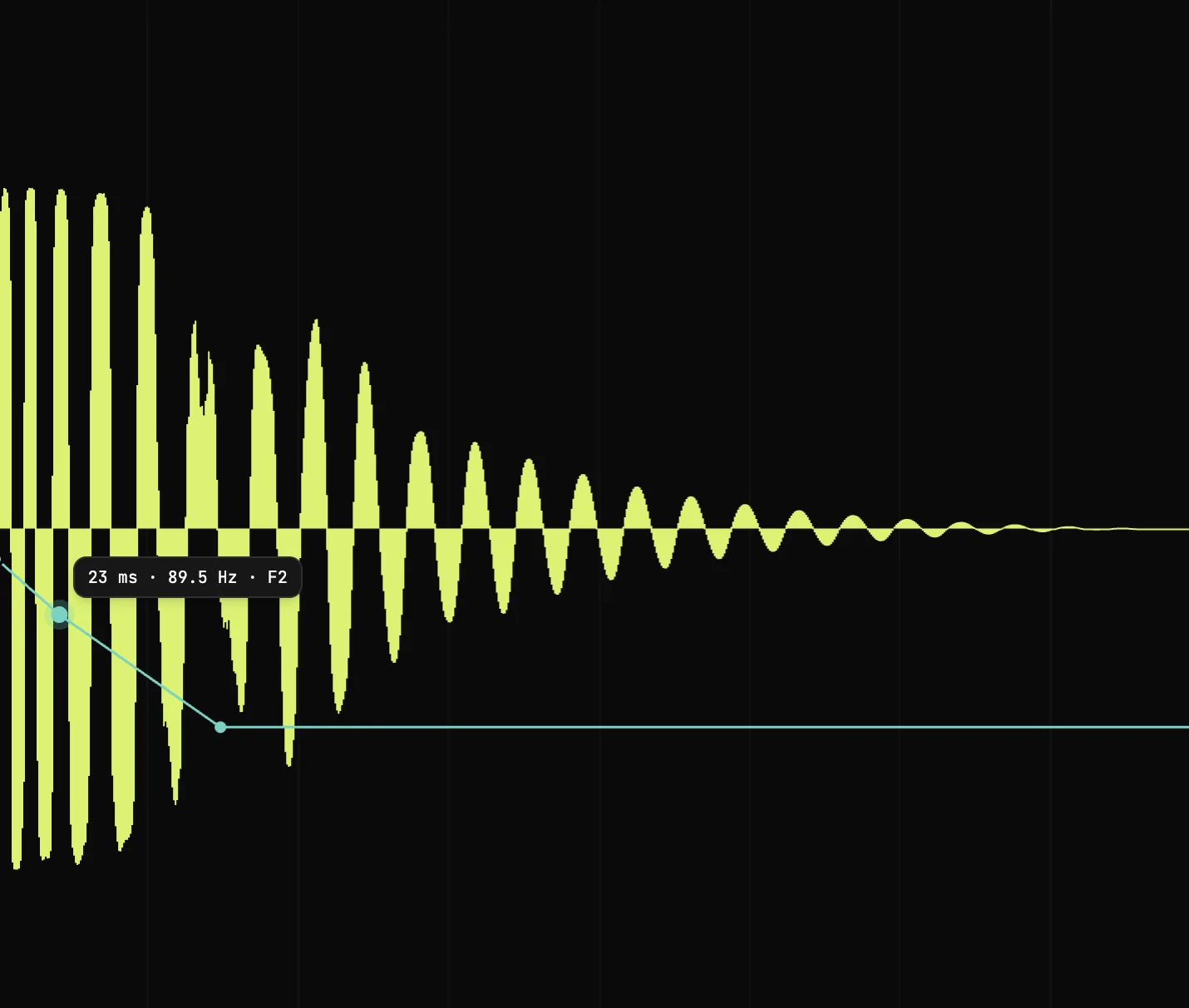
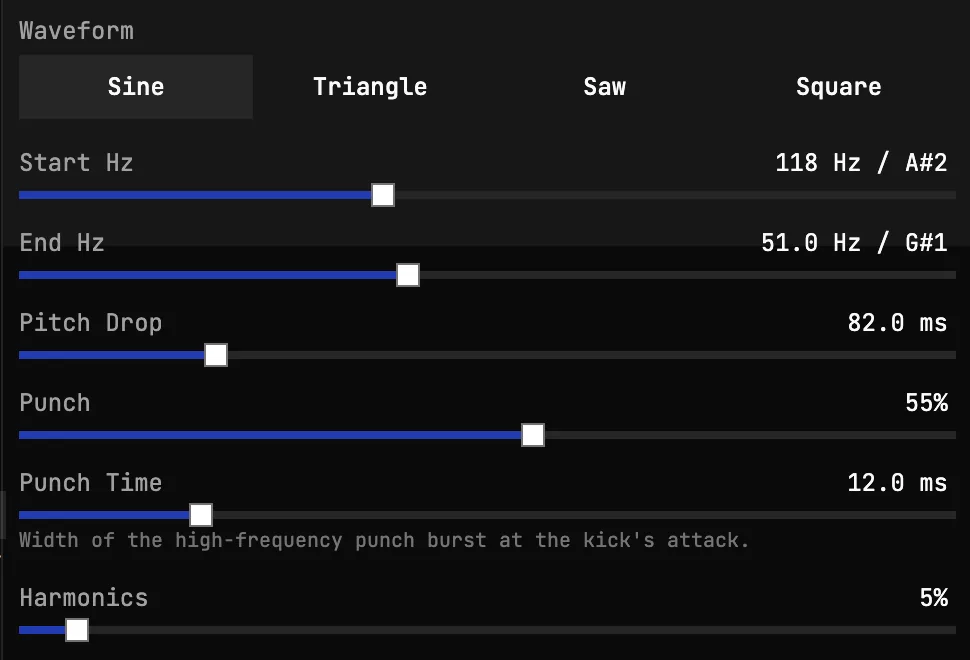
Edit the curve of the hit instead of guessing with static knobs: tune the pitch drop, tighten the volume shape, and line up the phase.
Solo, mute, pan, offset, trim, and process each piece until the kick sits exactly where the track needs it.
Use auto length, choose sample rate and bit depth, normalize to a ceiling, then download a kick sample ready for your DAW or sampler.
Kick sound types
Producers rarely search for a generic drum. They search for the kick that fits the track: an 808 kick with tone, a sub kick with weight, a tech kick with control, or a hard kick that can take more pressure.
Use a clean low layer, longer decay, careful pitch ending, and controlled saturation when you want an 808 kick that carries the groove instead of just marking the beat.
Free 808 samples in any keyBuild a sub kick when the mix needs weight without too much click. Keep the attack clean, watch the tail length, and make sure the low note leaves room for the bass.
A tech kick usually needs a firm front edge, a controlled body, and a tail that stops before it muddies the groove. Layering makes those parts easier to balance.
For a hard kick, push the attack and saturation, then use peak and true-peak readouts so the exported sample hits hard without turning into uncontrolled clipping.
Audio previews
These short browser-playable previews show the range the kick generator can cover: 808 kicks, hard kicks, metallic transients, offset timing ideas, and harder electronic kick directions.
A tuned low-end hit with extra harmonic weight for bassline-style parts.
A rounder triangle-wave 808 shape with a clean low tail.
A stronger front edge on an 808-style body for tracks that need more attack.
A compact, aggressive hit with more saturation and forward impact.
A more distorted electronic kick direction for harder styles.
A sharper transient character for cutting through dense electronic mixes.
A shifted 808-style hit for a different groove feel and phase relationship.
A timing-adjusted kick example that shows how alignment changes the feel.
Layered sound design
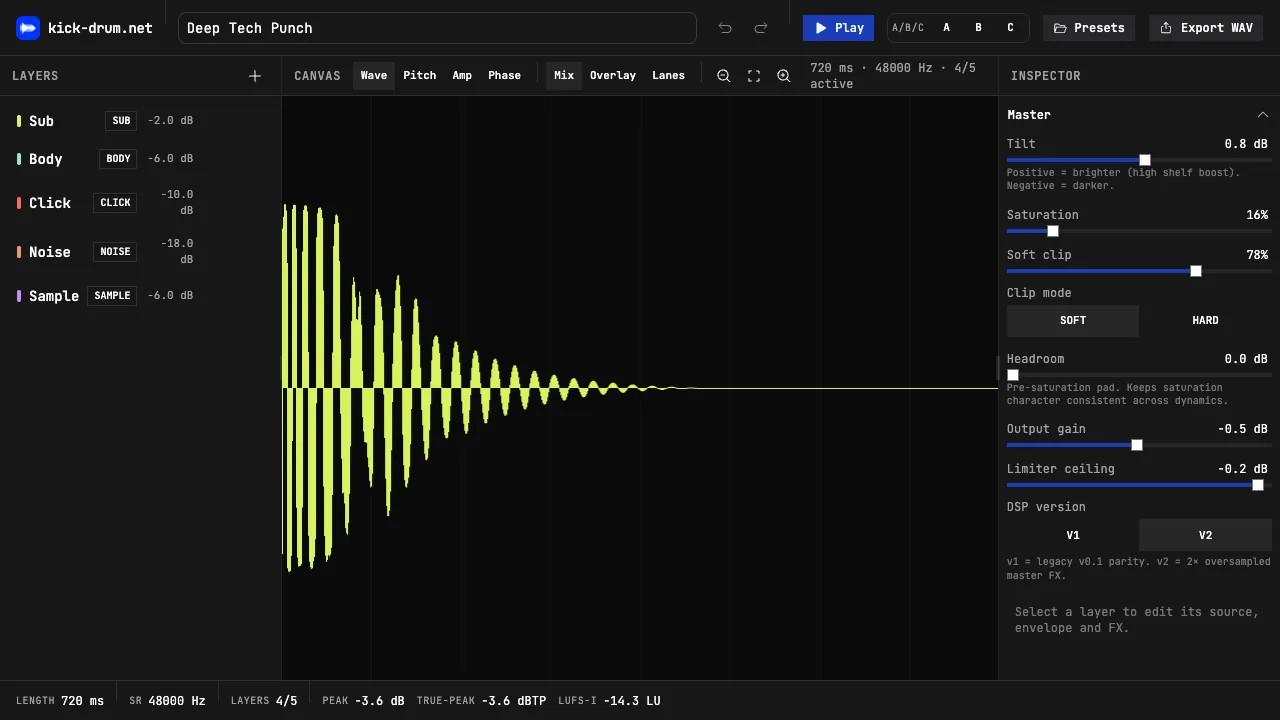
A strong kick usually comes from several small decisions: a steady low note, a tuned body, a clear front edge, and just enough noise or sample character to cut through. This kick drum maker keeps those choices separated, so you can change the punch without wrecking the tail or brighten the click without thinning the low end.
Visual editing
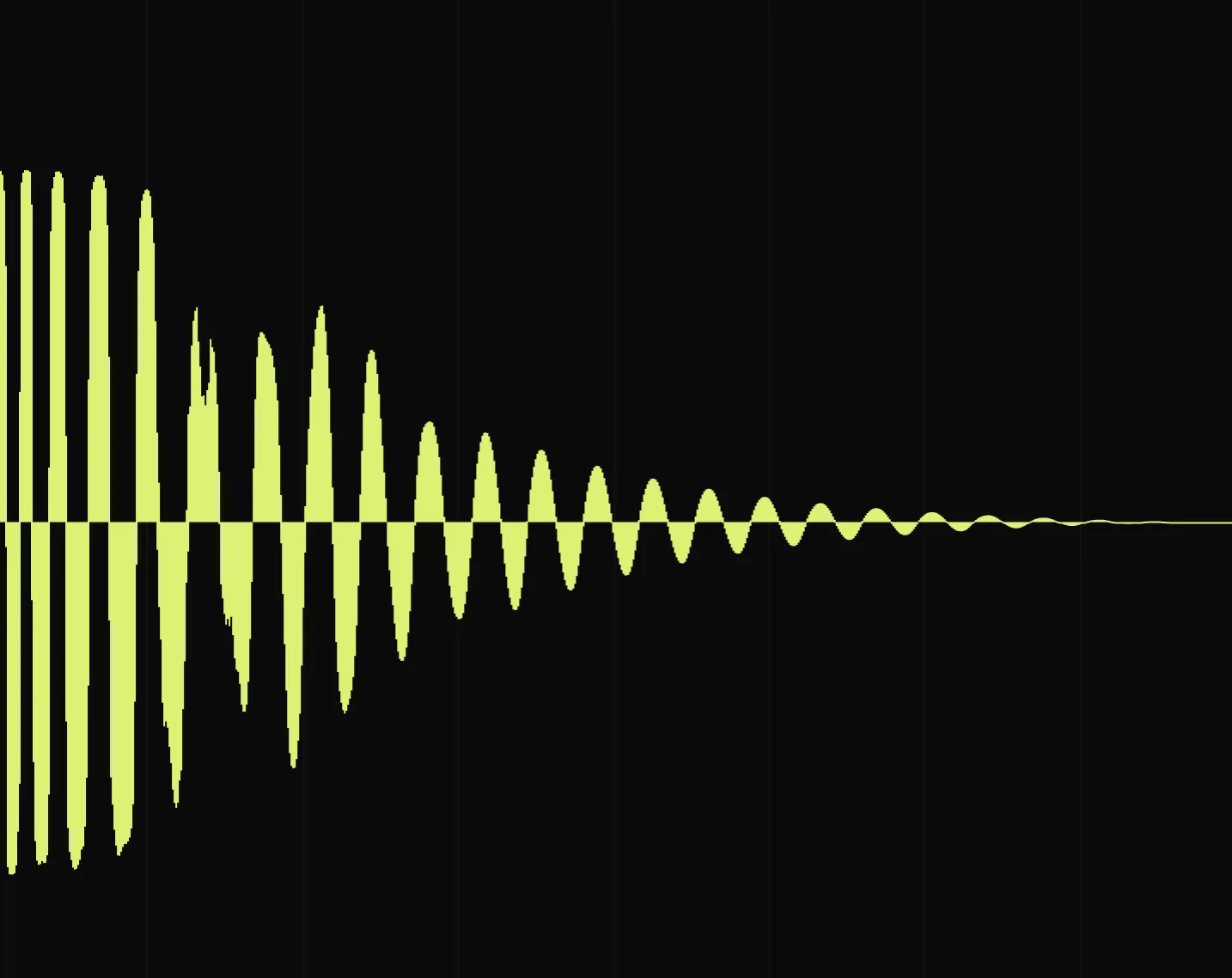
The central waveform gives you a clear view of the full kick and its layers. Zoom in, compare different views, adjust pitch and volume movement, and fix phase alignment when the front of the drum feels hollow or unfocused.
Mix-aware export
The bottom meter keeps length, active layers, peak level, true peak, and loudness visible while you work. That makes it easier to avoid clipped one-shots, overly long tails, or kicks that look loud but disappear in a mix.
Real app screenshots
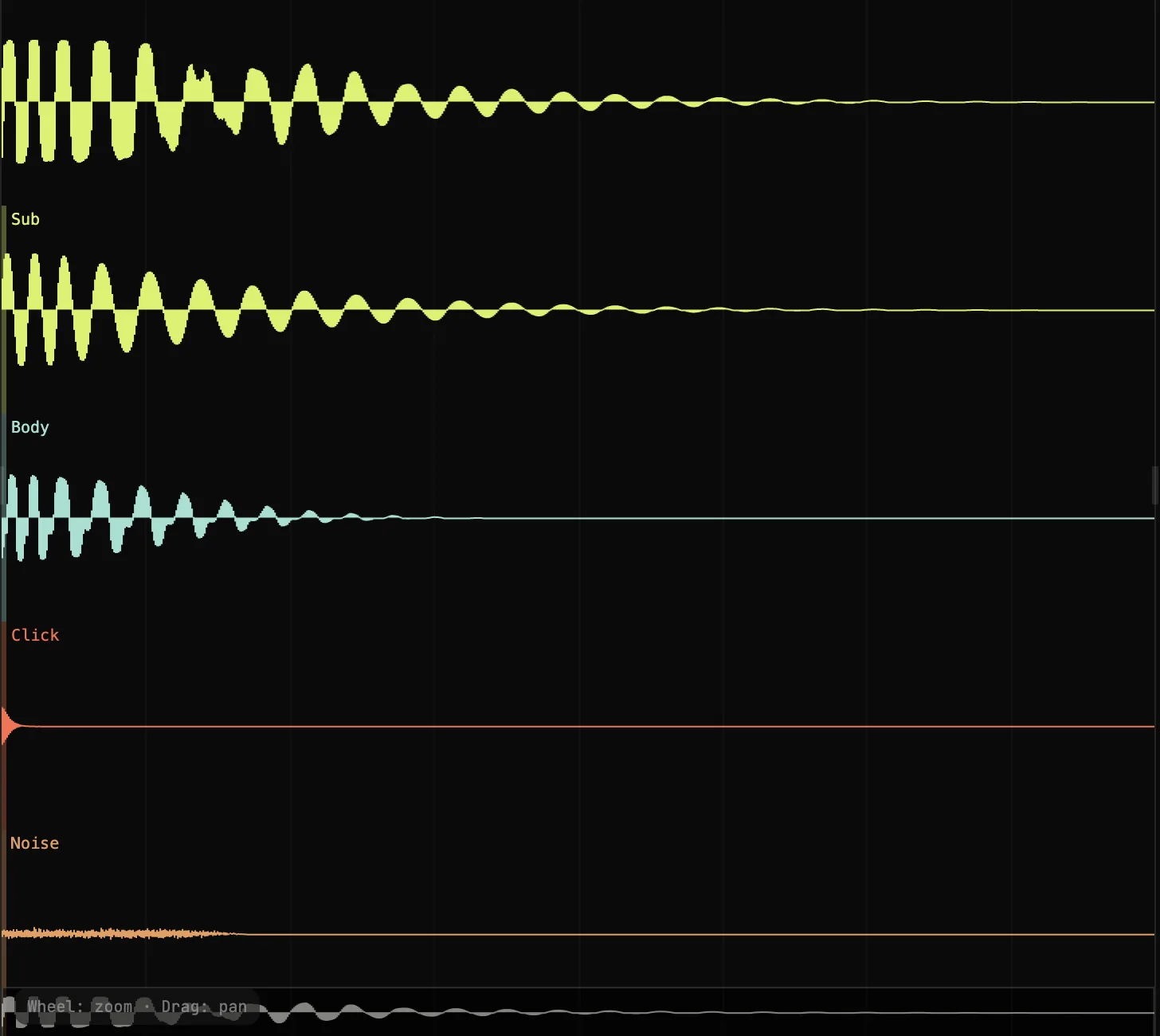
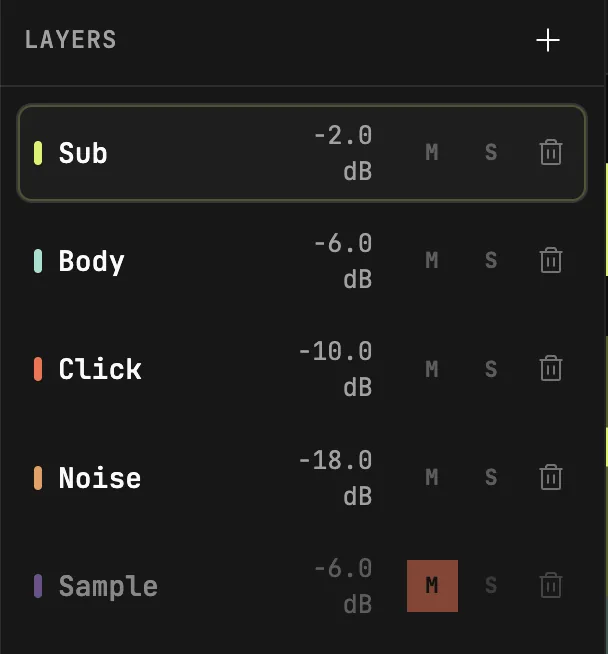
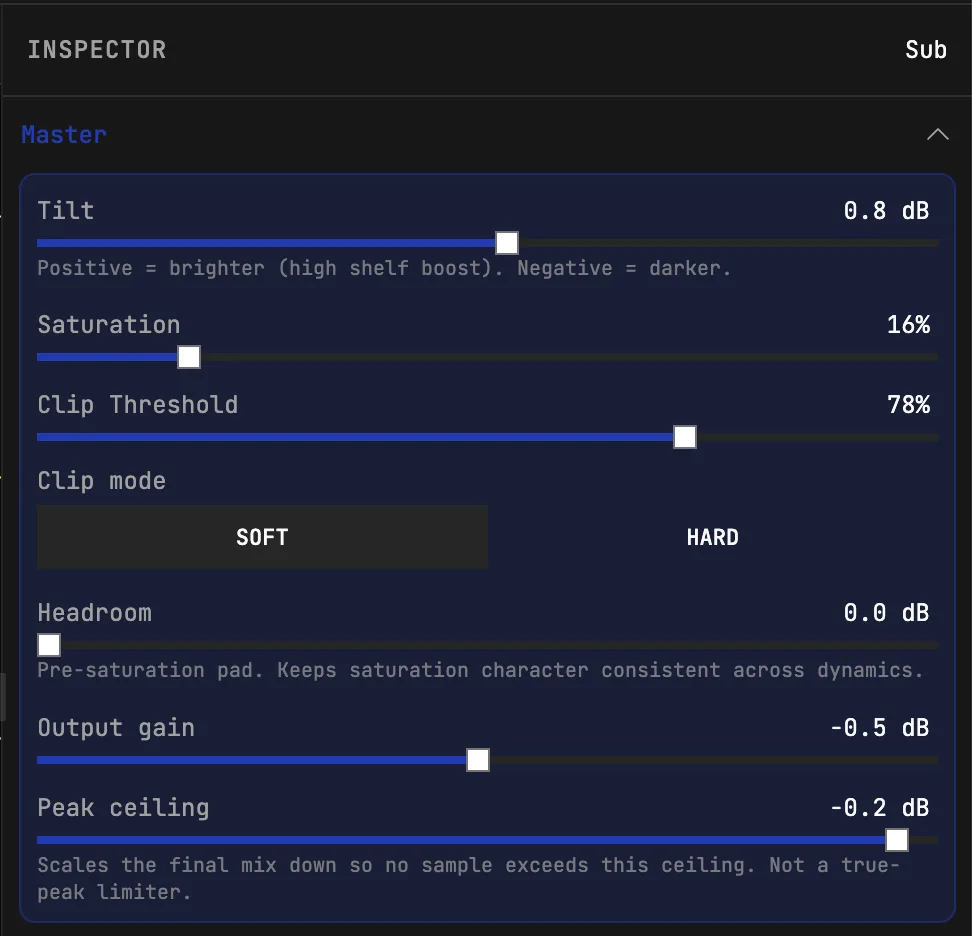
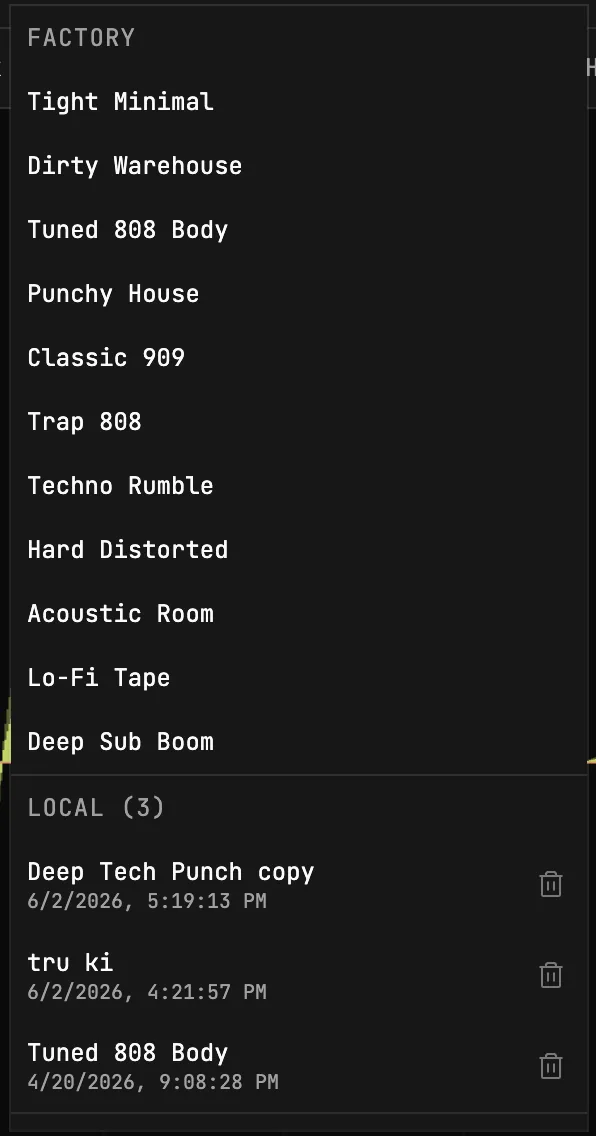
These are real interface screenshots from the browser app: no fake product renders, no stock plugin mockups, just the tools used to build, shape, meter, save, and export kick drum samples.
Production controls
As an audio tool, the value is not only “make a kick.” It is the ability to control layers, imported samples, waveform views, effects, metering, and export settings without breaking flow.
Build the kick from low-end tone, body, click, noise, and imported sample layers. Each layer can be muted, soloed, balanced, panned, offset in time, and processed on its own.
Bring in your own audio when a synthesized kick needs real-world texture. The app accepts common audio formats, trims long files, and gives you trim-start, trim-end, and playback-rate controls.
Switch between the final mix, overlay view, and separate lane view so you can see how the low end, transient, sample, and noise layers line up.
Export as WAV with automatic length, selectable sample rate, selectable bit depth, optional normalization, and a limiter ceiling so the sample leaves the browser at a predictable level.
Each layer can carry its own effects chain, so the click can be sharpened, the body can be driven, or a sample layer can be filtered without changing the sub.
Feature deep dive
Best for
Make a short, tight tech kick for a busy groove without fighting a long sample tail.
Tune a sub kick or 808 kick to support a bassline instead of masking it.
Add a brighter front edge so a hard kick translates on laptop speakers and phones.
Export a clean one-shot for Ableton Live, FL Studio, Logic Pro, Bitwig, Maschine, MPC, or any sampler that accepts WAV files.
Questions producers ask
Start with a low sine or triangle tone layer and tune the end of the pitch drop to the note you want. Lengthen the decay so the tail sustains like a bass note, keep the attack subtle, and add light saturation for harmonics that translate on small speakers. In kick-drum.net you shape the pitch drop and amp tail on the curve editor and hear the change instantly.
An 808 is tuned and long, so it doubles as a bass note and carries melody. A sub kick is a shorter, cleaner low-end foundation that supports the bassline without competing with it. The practical difference is tail length and how tonal the low end is. You build both from a low tone layer, just with different decay and pitch settings.
Punch comes from the attack, not just the volume. Add or raise a transient click layer, keep the early decay tight, and use drive or saturation to add harmonics the ear reads as loudness. Tune the body so it sits in the track, then check it on small speakers where the low end disappears. The mix meter shows peak, true peak, and loudness so you stay in control.
Mud usually comes from too much low-mid energy, overlapping tails, or an untuned low note clashing with the bass. Shorten the decay, tilt or filter some low-mid away, and tune the kick to the track. Viewing the layers in separate lanes makes it easy to see which one is adding the buildup.
Set the end note of the pitch drop to the root note of your song, or to a note that sits well with the bassline. A tuned kick stops the low end from fighting the bass and makes the groove feel locked. You can adjust the end frequency on the pitch curve and listen against your track.
It depends on the style. Techno, tech house, and minimal usually want a short, tight kick so the groove stays clean. Trap and 808 styles want a long tuned tail. There is no fixed number, so set the length by ear. Auto length follows the decay so the exported sample matches the sound.
A common approach is a sub layer for low-end weight, a body layer for the main tone, a short click or transient for attack, and optional noise for texture or air. Balance the gain of each layer, align their timing and phase so they reinforce instead of cancel, and solo each one to hear its job. You can also import your own sample as one of the layers.
Match your project. 44.1 kHz or 48 kHz at 24-bit is a safe standard for production and keeps headroom for further processing. Use the export settings to pick the sample rate and bit depth, and turn on normalization only if you want the sample brought up to a set ceiling.
Start designing